
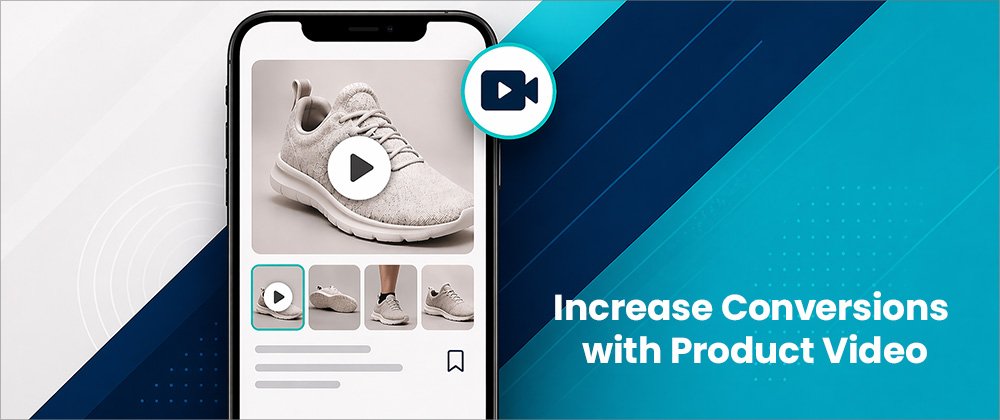
Google gives merchants an underused way to add more context to product listings: the video_link attribute. It lets you attach product videos directly to feed data so shoppers can see the item from different angles or watch it in use.
That matters because static images often leave key questions unanswered. A short product video can clarify size, motion, texture, setup, or fit faster than a description alone. For retailers competing in crowded Google shopping results, that extra context can help move a shopper from consideration to action.
What Google requires for video_link
Before rollout, make sure your team can meet the feed and asset requirements Google sets:
- Use direct video URLs. Links must start with
http://orhttps://, and can be YouTube URLs or links from another hosting provider. If the URL is not YouTube, it must point directly to a raw video file, not a landing page. - Stay within the limits. Google supports up to 10 video links per product. Video length must be between 6 and 240 seconds.
- Keep videos accessible. URLs must be publicly crawlable, stable, and non-expiring. Googlebot needs to access them without logins or restrictions.
- Meet quality standards. Google recommends at least 720p resolution, supported file formats, and aspect ratios of 9:16, 16:9, or 1:1. File size must stay under 500 MB.
- Show the product clearly. Google’s best practice is to feature the actual product in use, not a general brand video. Sound is optional.
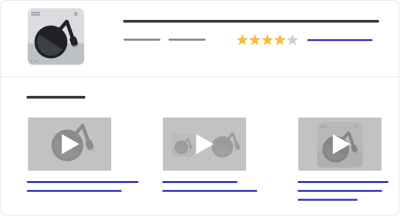
Why implementation is worth it
Adding video_link is not just a feed hygiene task. It can improve how well your product data communicates.
A strong product video helps reduce uncertainty before the click and after it. That is especially useful for products where motion, scale, application, or assembly affects purchase intent. Think apparel fit, furniture dimensions, beauty application, kitchen tools in use, or electronics setup.
It also gives merchandising and performance teams another lever to improve traffic quality. When shoppers understand the product better upfront, you are more likely to attract clicks from users with clearer intent instead of curiosity clicks that bounce.
Start with categories where visual explanation changes conversion behavior. Prioritize products with high traffic, high return rates, or common pre-purchase questions. Then standardize how videos are sourced, hosted, QA’d, and mapped into your feed.
The strategic takeaway
Most retailers already have usable video assets somewhere across ecommerce, brand, social, or creator programs. The gap is usually not content creation. It's product feed implementation.
VersaFeed helps retailers turn scattered product content into channel-ready feed attributes that improve visibility, click quality, and conversion performance. If your team has video assets but no clean process to deploy them at scale, we can help.